
Crawling Glaze
A glaze that crawls over dark clay in worms, spots and holes, grown by two chemicals on a grid of cells. One is fed in everywhere, the other eats it to make more of itself and dies away, and both spread to their neighbors at different speeds. From thirty drops, the Gray-Scott model grows a pattern nobody drew, and the feed and kill change a little across the plate and over the minute, so it keeps moving.
Shaders
Particles & Simulation
Many small things moving at once: particles, flow fields and simulations, computed on the GPU.
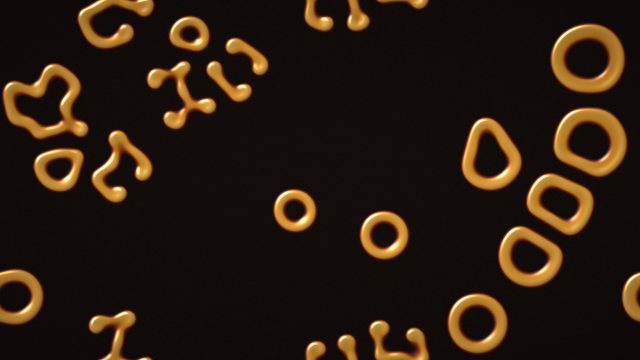
Crawling Glaze
Reaction-diffusion, two chemicals that feed, spread and die into a growing pattern
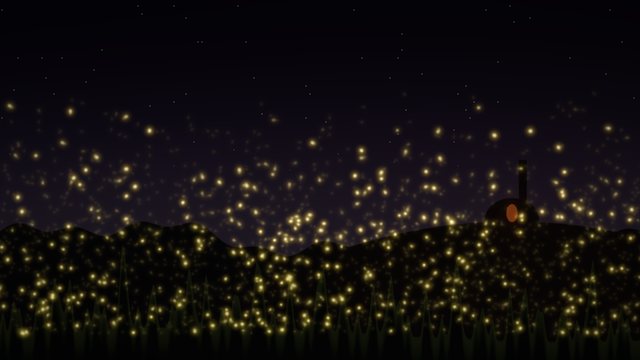
Fireflies
Coupled oscillators: particles that see each other blink in time
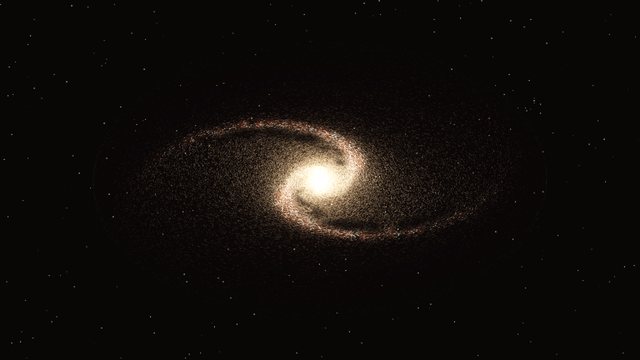
Spiral Galaxy
Stars on orbits, density waves, dust lanes
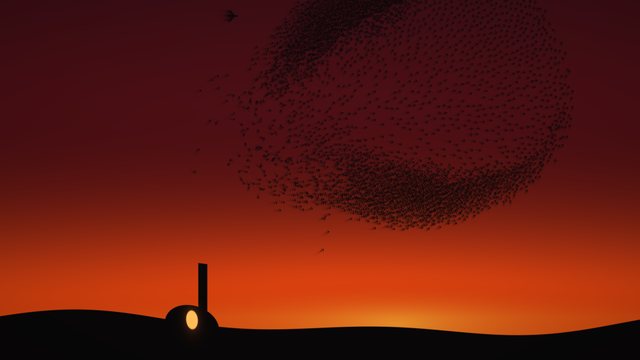
Murmuration
Boids: separation, alignment, cohesion
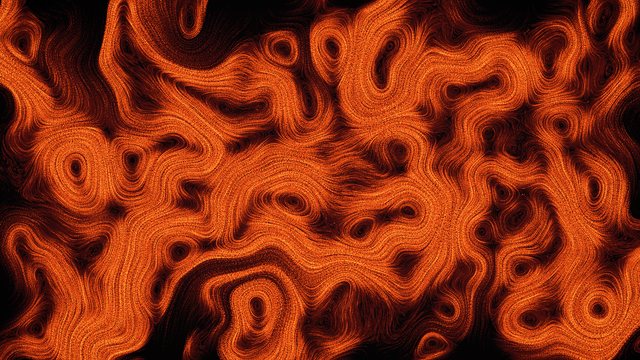
Curl-Noise Flow
Compute particles following a flow field, with trails
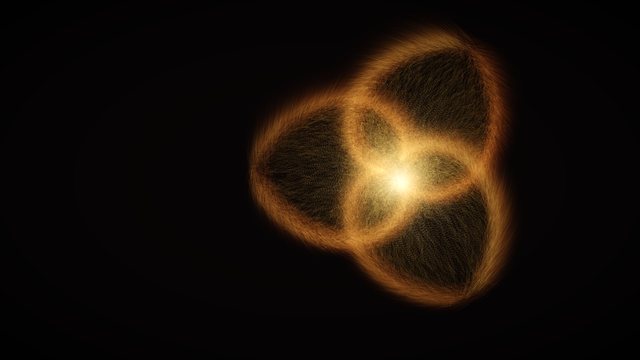
Particle Swarm
Compute shaders and GPU buffers
Light & Materials
How surfaces treat light: glass and water that bend it, glazes that shine, and the reflections and highlights that make a material read as what it is.
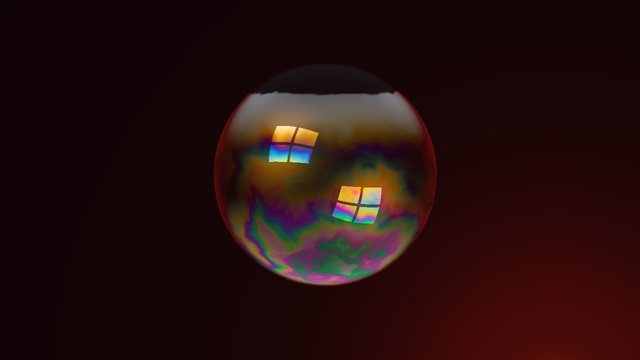
Soap Bubble
Thin-film interference, color from a film's thickness
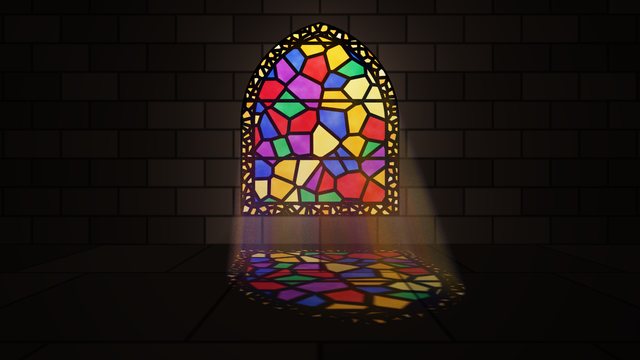
Stained Glass
Voronoi panes, lead lines, light colored by the glass it passes
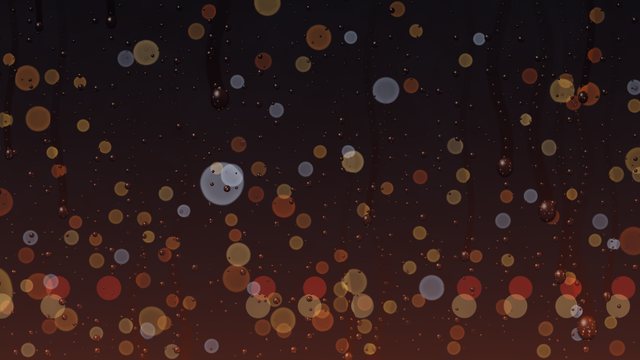
Rain on Glass
Refraction through drops on a window, a blurred world behind
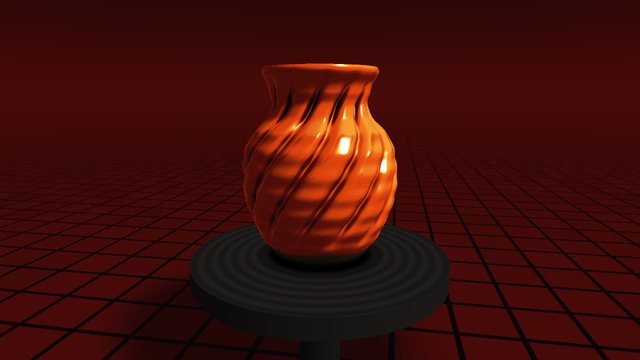
Pottery Wheel
Solids of revolution, twisting, a glaze material
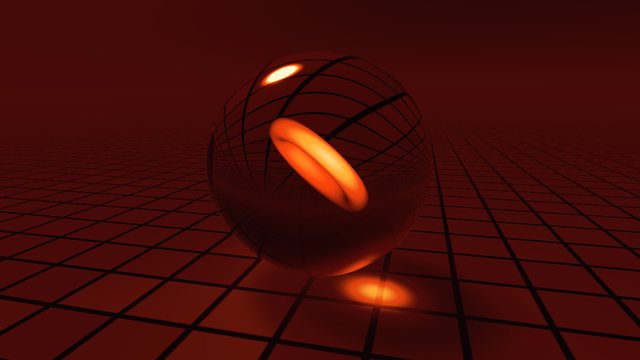
Glass Orb
Refraction, reflection, Fresnel
Noise & Texture
Surfaces made of randomness: value noise, domain warping and Voronoi cells, turned into flowing color, clay, stone and fire.
Sound & Rhythm
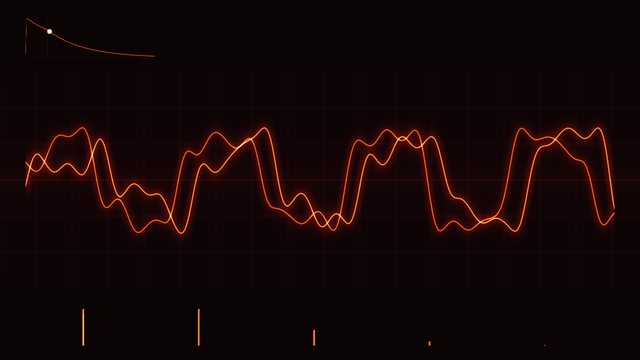
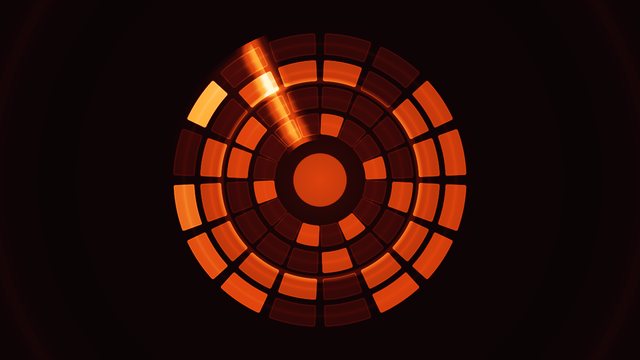
Shaders led by their sound: synthesis, envelopes and rhythm worked out on the GPU, with a picture that moves to them.
Fractals
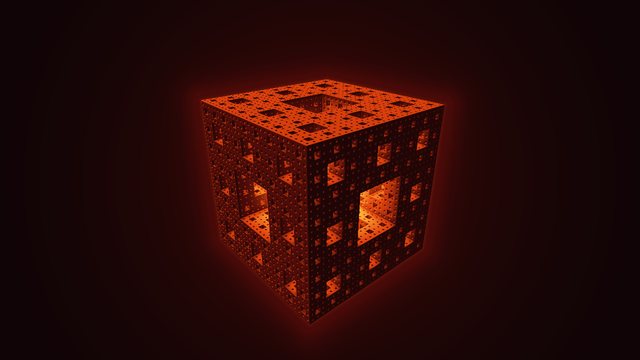
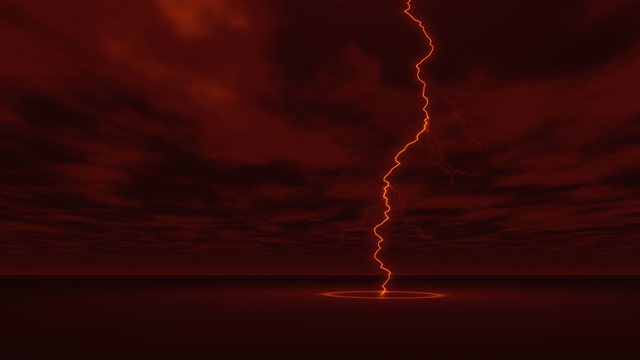
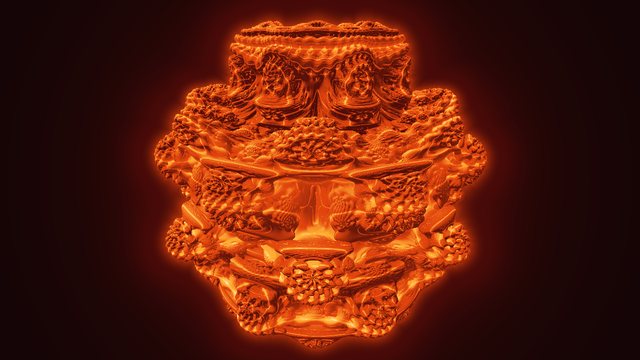
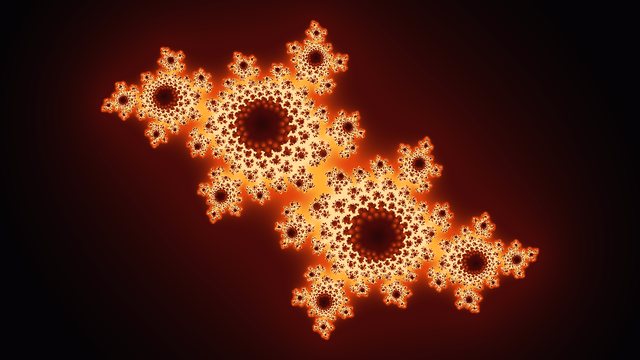
Shapes that repeat inside themselves: one rule applied again and again, from glowing sets in 2D to branching bolts and solid fractals in 3D.
Atmosphere
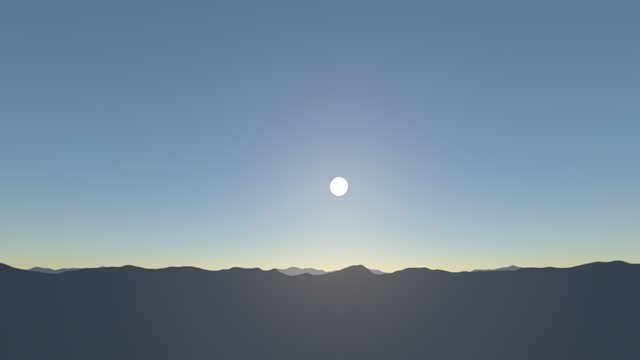
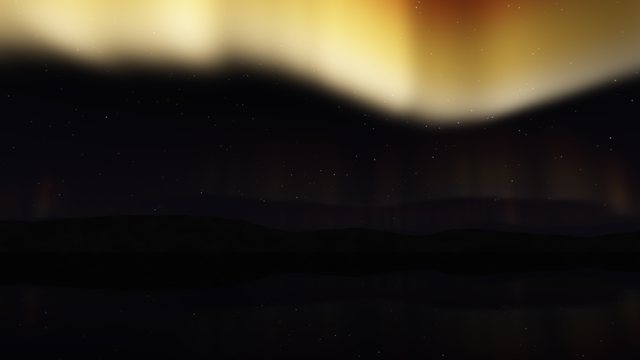
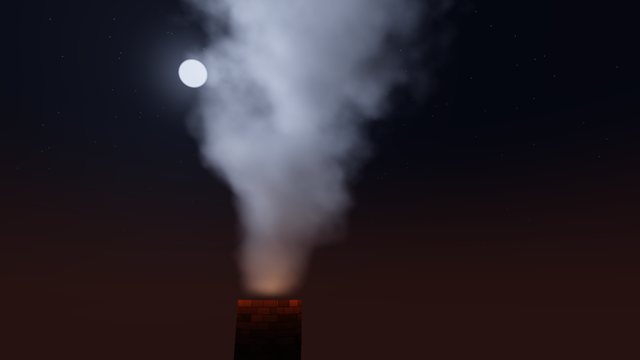
What light passes through: smoke, clouds and curtains of color, marched through step by step and lit from inside.
Shapes & Symmetry
Flat shapes drawn from their distance functions, blended, morphed, folded and repeated around a center.

Clockwork
Gears from 2D distance fields, teeth that mesh, ratios that loop

Neon Sign
2D distance-field strokes, glow, flicker
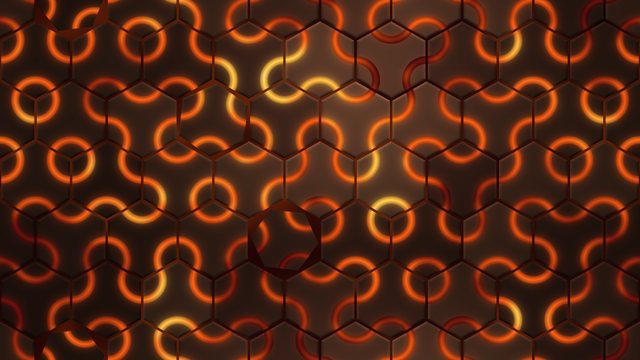
Kiln Floor Tiles
Hex grids, Truchet tiles, wallpaper symmetry
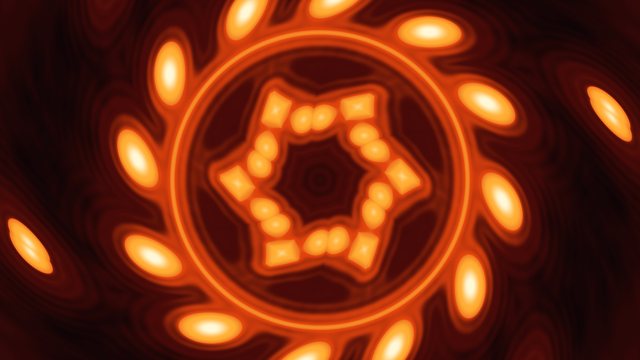
Kaleidoscope
Polar coordinates, angular repetition, mirror folds
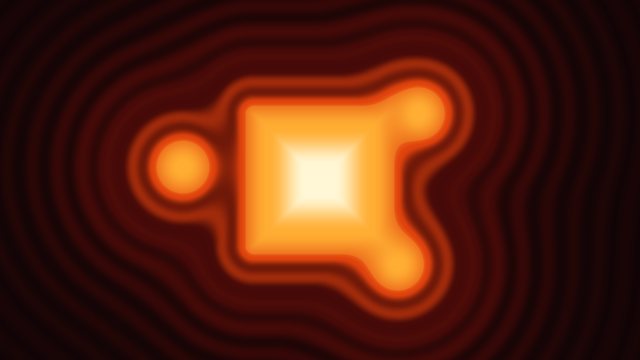
Morphing Shapes
2D signed distance fields and smooth blending
Geometry
Shapes made of triangles, the way most 3D on a screen is drawn: a grid bent by a vertex shader into water, cloth or a planet, with nearer triangles hiding farther ones.
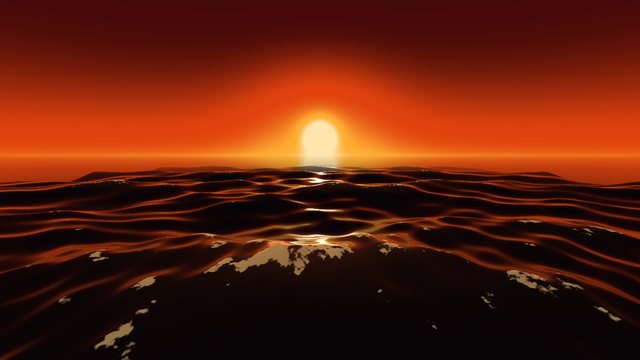
Ocean Waves
Gerstner waves on a grid, foam on the crests, the sky in the water
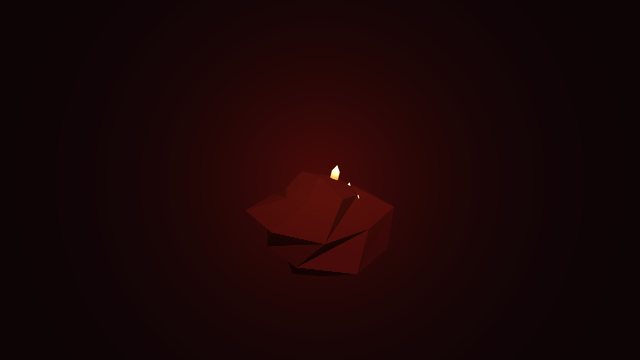
Crystal Bloom
Geometry made on the GPU with mesh shaders
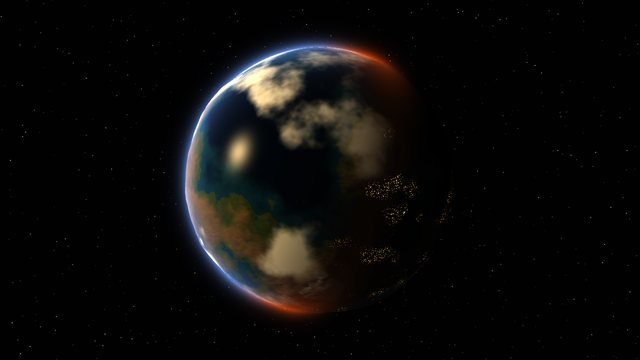
Spinning Planet
A grid wrapped into a sphere, continents from noise, an atmosphere rim
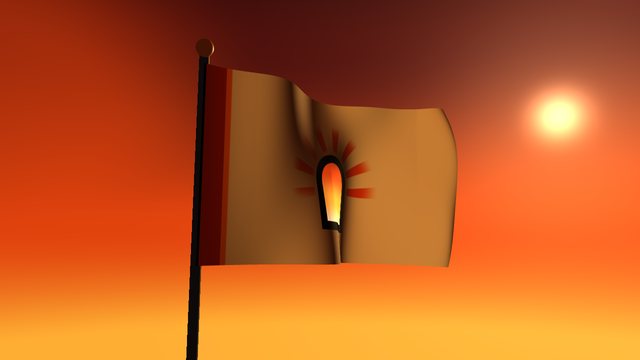
Flag in the Wind
Vertex waves, normals from neighbors, two-sided light
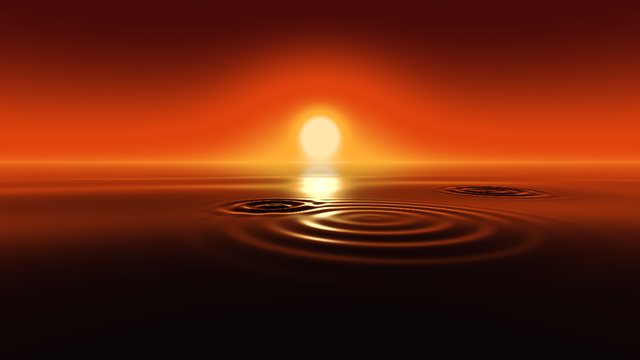
Rippling Water
A vertex shader displacing a grid
SwiftUI Effects
Metal shaders that run inside an app's views as SwiftUI effects: color, distortion and layer effects, from the playground to Xcode.
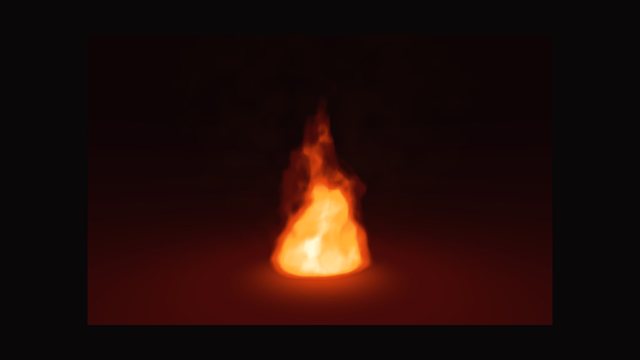
3D Scenes
Whole scenes in 3D from one fragment shader: a ray marched through every pixel, surfaces found by their distance, then lit and shaded.
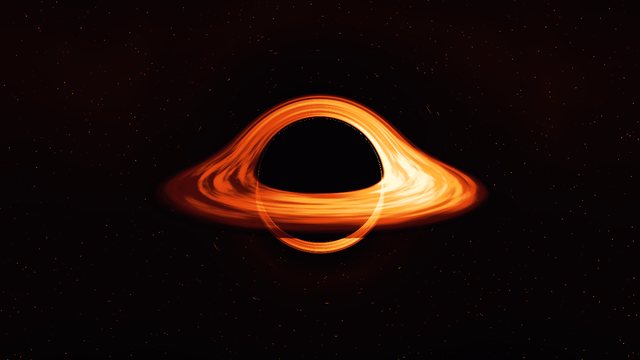
Black Hole
Rays bent by gravity, an accretion disk, Doppler color
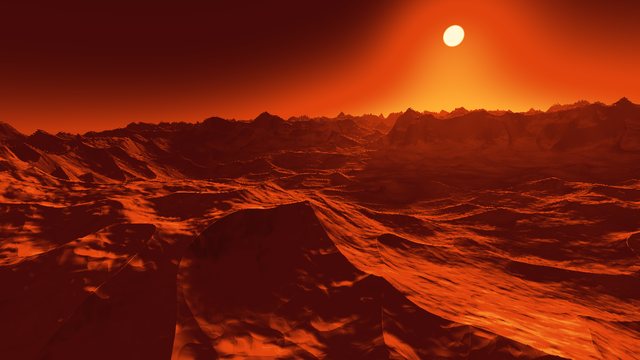
Endless Terrain
Heightfield raymarching, sky, sun, distance fog
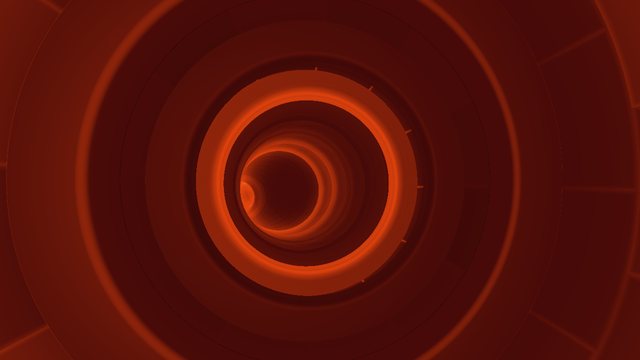
Ember Tunnel
Domain repetition, fog, an endless fly-through
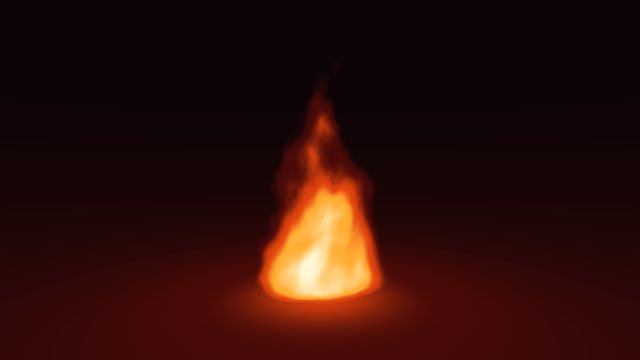
Kiln Fire
Volume raymarching through noise, emission
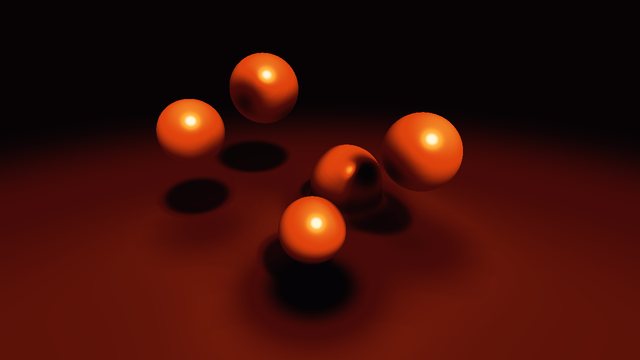
Molten Metaballs
3D smooth blending, soft shadows, ambient occlusion
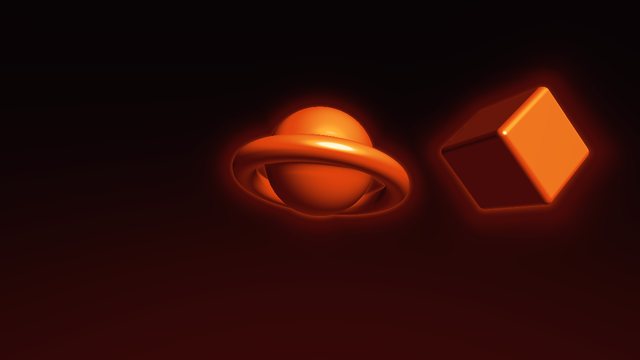
Floating 3D Scene
Raymarching, normals, basic lighting
No shader matches that yet. Try a technique, such as noise or raymarching, or see all of them.
Coming up
- Lorenz AttractorA chaotic system integrated step by step, particles that never settle
- Penrose TilesAn aperiodic tiling from five grids, symmetry that never repeats
- Frosted GlassA layer effect that scatters what is behind it, tinted by a color SwiftUI passes
- LighthouseA beam through fog, light shafts, a sea at night
Watch it, read it, copy it
The app, and Pro
Ray Kiln for Mac
FreeThe app the shaders are made with. Write Metal and see it run as you type, move its sliders, record video up to 4K, and share your shaders to the gallery.
Ray Kiln Pro
US$10 once- Performance hints in the editor
- GPU frame analysis
- ProRes, transparent video and seamless loops
- Live wallpaper and a screen saver
- Sound and controllers
- Keyframes
No subscription. Refunds within 30 days.
What your shaders cost the GPU
Find the work an Apple GPU doesn’t need to do, and how to stop it: in any shader, free in the browser, and in whole frames, in the app with Pro.
Shader linter
FreePaste a Metal shader to see the patterns that cost it time on Apple GPUs, such as half math turned into float, discard and dependent texture reads, each with its fix. It runs in your browser; your shader never leaves the page.
GPU frame analysis
In Pro- What your shader costs the GPU: time, limiters, registers
- The linter’s findings beside them, and what changed since last time
- The linter in the editor as you type, in the app and the playground
- A frame of your own Metal app, read with Apple’s own tools
- Loads, stores and memory nothing needs, with the Swift fix
- Two builds compared, pass by pass
In the Ray Kiln app: Shader > Analyze GPU Frame. Needs macOS 27, and an M3 or later for GPU times and registers.