
Ray Kiln Effects
SwiftUI shader effects
Write SwiftUI’s colorEffect, distortionEffect and layerEffect shaders in your browser, with sliders, on a card, a photo, a button or a picture of your own. They are drawn as SwiftUI draws them, and checked against SwiftUI’s own pictures. Then take them into Xcode.
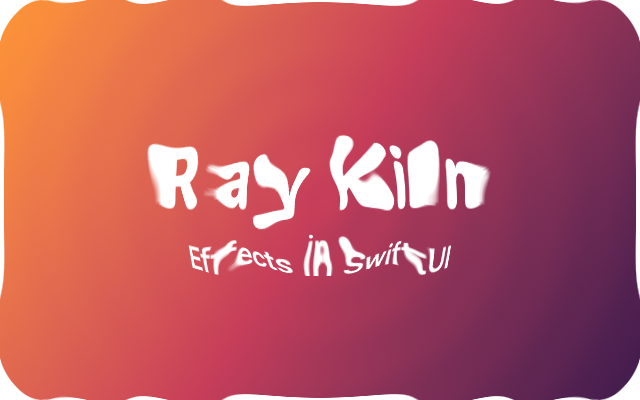
The picture is SwiftUI’s own; Run it live draws it in your browser instead, with its sliders.
Start from a template
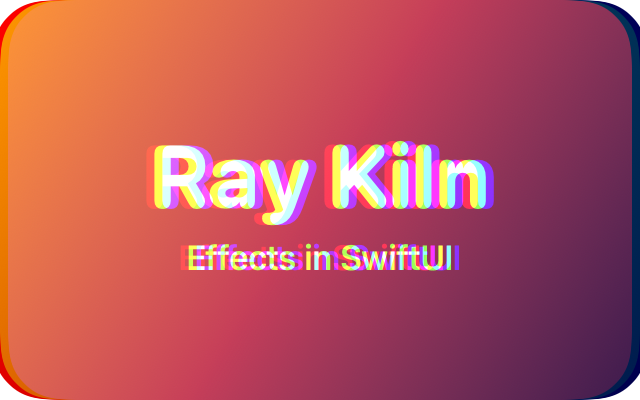 Chromatic splitRed, green and blue drift apart, as through a cheap lens.
.layerEffect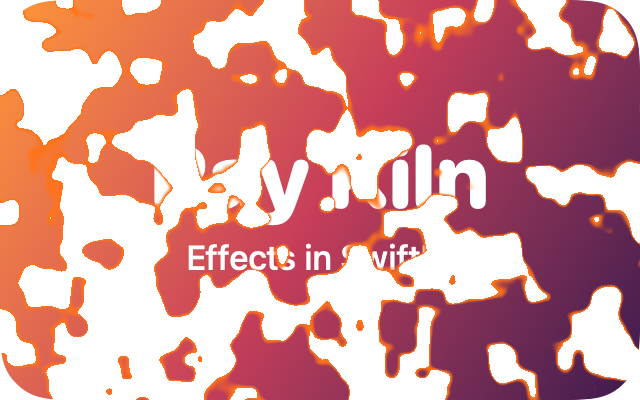 DissolveThe view burns away in patches of noise, with a glowing edge.
.colorEffect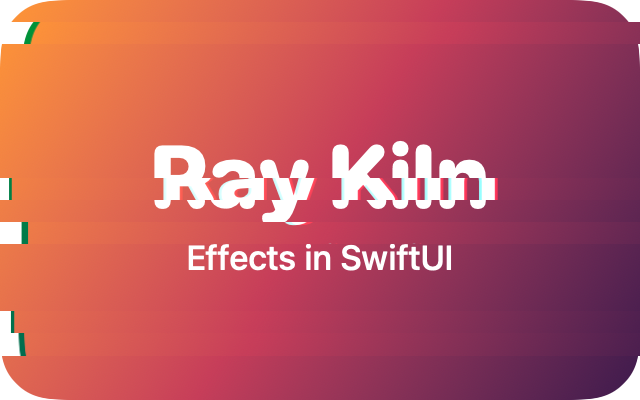 GlitchBands of the view jump sideways for a moment, and the colours slip.
.layerEffect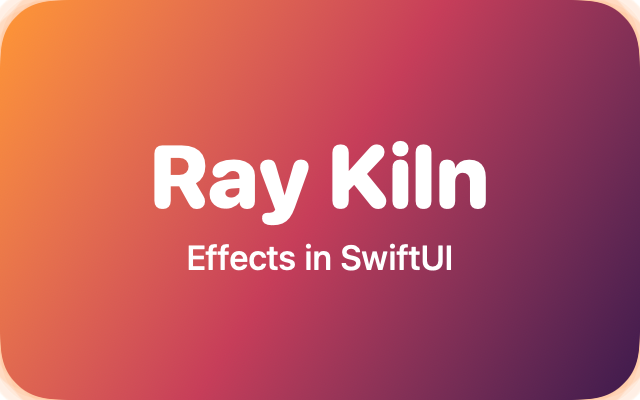 GlowA soft kiln-orange light around whatever the view draws, behind it.
.layerEffect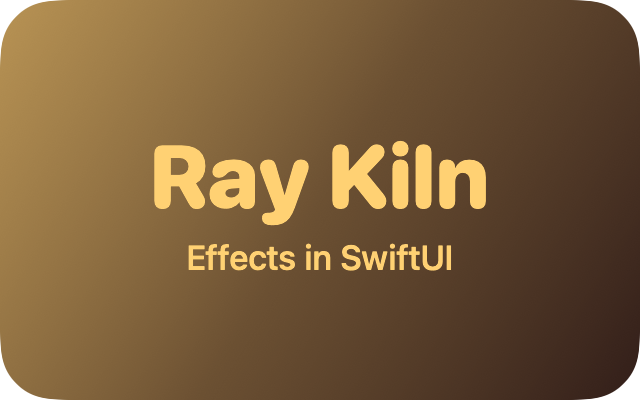 Kiln duotoneBrightness mapped to two colours: the kiln’s near-black and gold.
.colorEffect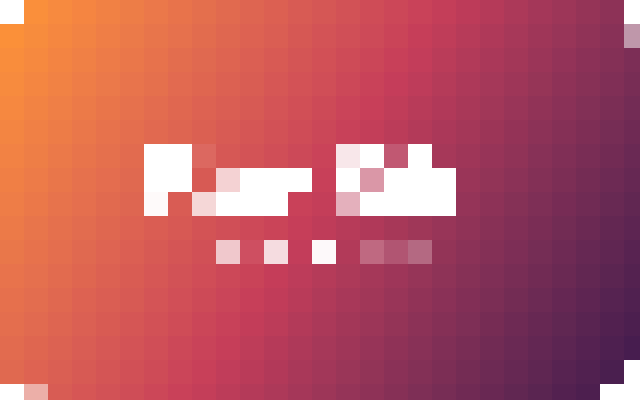 PixelateBig square pixels: every point in a cell shows the colour at the cell’s middle.
.distortionEffectRippleRings spread from the middle of the view and push it outwards and back..distortionEffect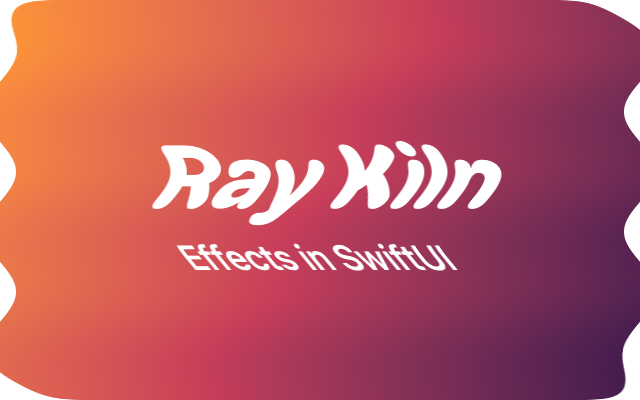 WaveThe view sways like a flag: each row slides sideways on a travelling wave.
.distortionEffectHow it works
- Write the shader SwiftUI loads. A
[[ stitchable ]]function in Metal, as in Xcode. Each// @paramline is a slider, and an argument in Swift;float timefollows the clock,float2 sizeis the view’s size. - See it as SwiftUI draws it. Positions in points, premultiplied colour, a layer that clamps at its edges,
maxSampleOffset: the browser does as SwiftUI does, and the check page compares its pictures with SwiftUI’s. Where SwiftUI’s 16-bithalfcould differ, the editor says so on the line. - Take it into Xcode (with Ray Kiln Plus). A Swift package: the effect as a modifier, such as
.ripple(amplitude: 6), with your sliders’ values, and a#Previewthat Xcode draws with SwiftUI itself. Made in the page; nothing is uploaded. - In the Mac app (Ray Kiln 0.6), the same, with SwiftUI’s own picture beside Ray Kiln’s as you type, when Xcode is installed (Plus), and Open in Xcode.
- Share it. Effects go to the gallery like any shader, with how to use them in SwiftUI on their page.
Making, running and sharing effects is free. The Swift package and SwiftUI’s own preview in the app are part of Ray Kiln Plus, US$10 once.